
$60 diagnostic
Written quote within 24 hours or it's free
Need it today?
Same-day rush, +$70
No surprises
You approve the exact quote before any work starts
We move your files, photos, and settings from your old computer to your new one at our Blue Springs location, 15 minutes from Lee’s Summit, Independence, and Grain Valley. Flat rate $150, nothing left behind.

Windows to Windows, Mac to Mac, or across the two. You sit down at the new machine and everything is where you expect it. Still deciding whether to replace? Read Windows 10 end of support: your real options and Is your computer worth repairing?
In the KC metro? Drop-off is by appointment at our Blue Springs shop, a short drive from Oak Grove, Raytown, and Independence.
Book a drop-off and bring the old computer and the new one. If the old machine won’t turn on, bring it anyway — a dead computer and a dead drive are different problems, and the drive is usually fine.
We go through what’s on the old machine — files, photos, email, bookmarks — so nothing you care about gets missed. Flat $150, no surprises.
Everything moves to the new machine, organized the way you had it. Programs are reinstalled fresh — bringing old installations forward drags old problems with them, so we do it right instead.
You get both machines back with the new one ready to use. Most transfers are done within one to two business days.
Diagnostics are $60 and include a written quote. Most repairs fall inside the ranges below. Nothing starts until you approve the number.
| Service | Price |
|---|---|
| Data transfer to a new computerFiles, photos, email, bookmarks, and settings — both machines back within 1–2 business days | $150 flat |
| Same-day rush | +$70 |
| Transfer from a dead or failing machineIf the drive is readable, the flat rate applies. If the drive has failed, it becomes a data recovery evaluation — quoted before we touch anything. | $150 flat |
| DiagnosticFor machines with problems beyond the transfer. Written quote within 24 hours or it's free. | $60 |
| SSD upgradeSpeed up the new machine while it's on the bench — drive up to 1TB, install, full migration | from $250 |
| On-site visitWe come to you. Includes diagnostic. Within 15 miles of Blue Springs; 15–35 miles adds $50. | $190 |
Flat rate, stated upfront. If anything changes what's possible — like a failed drive — you get a written quote before any work begins. No surprises.
Same problem comes back within six months, we fix it free. Any part we install is covered for a full year — if it fails, we replace it and reinstall it at no charge.
EXCELLENT Based on 68 reviews
 Posted on Google
 Pamela TovarPhoenix from KC Computer Staff was very knowledgeable and did a fantastic job diagnosing the issue our son was having with his PS5 and our internet. Apparently, the ATT tech failed to notice that his PS5 was set on a different hertz from the rest of our house. Which was causing him to have very low speeds with his gaming. A previous ATT tech had set up an alternate hertz (2.4) instead of (5) for our internet for whatever reason. Not being tech-savy, we were unaware of this. Having just moved in January, we went from Google Fiber to ATT Fiber. Not particularly happy with this. But as soon as we get Google Fiber for our neighborhood, we will be switching back. As I said, Phoenix did a great job explaining what the issue was and how he found it. KC Computer Staff is an excellent computer and gaming system repair store.Posted on Google
 Anna BaitmenGot water damage on my MacBook Pro guys did a great job of assembling it and telling me exactly what happened and what was wrong with it and replace the logic board at a competitive price ran into a hiccup with the delivery date due to a faulty board being shipped to them, but they were great and if I have any other problems, I’ll be reaching out to themPosted on Google
 James HoganI had lost the audio on my laptop, so I took it to KC Computer to diagnose and fix the problem. They discovered that my audio drivers were missing. They repaired the problem and replaced my hard drive which was showing signs of wear. I got my laptop back in two days and it has worked great since. The guys at the shop were courteous and informed. I was very happy with the service I received and would use them again in the future.Posted on Google
 Billy BobI was having issues with my laptop blackscreening on me. Called into KC Computer Tuesday afternoon and by Wednesday afternoon they had diagnosed the issue (overheating) and fixed the issue (cleaned out and reapplied thermal paste). I appreciated the speed of what they did and I felt ok with what they charged for my situation.Posted on Google
 Brendan TurnerScreen for my MacBook needed replaced and they got it done timely after ordering the parts. Would recommend for any electronics they cover!!!Posted on Google
 Dillion ShobeExcellent service. Went out of there way to helpPosted on Google
 Jacob DavisAlways great service and Phoenix did a great job on my computer!Posted on Google
 Christy Moon-SmithKnowledgeable team & promt service. Good communication. Highly recommend.Posted on Google
 Ted Luce
Trustindex verifies that the original source of the review is Google.
This is my second visit to KC Computer. On both occasions, Phoenix did an exemplary job on my Lenovo laptop. This is a great company to trust with your desktops and laptops.Verified by TrustindexTrustindex verified badge is the Universal Symbol of Trust. Only the greatest companies can get the verified badge who has a review score above 4.5, based on customer reviews over the past 12 months. Read more
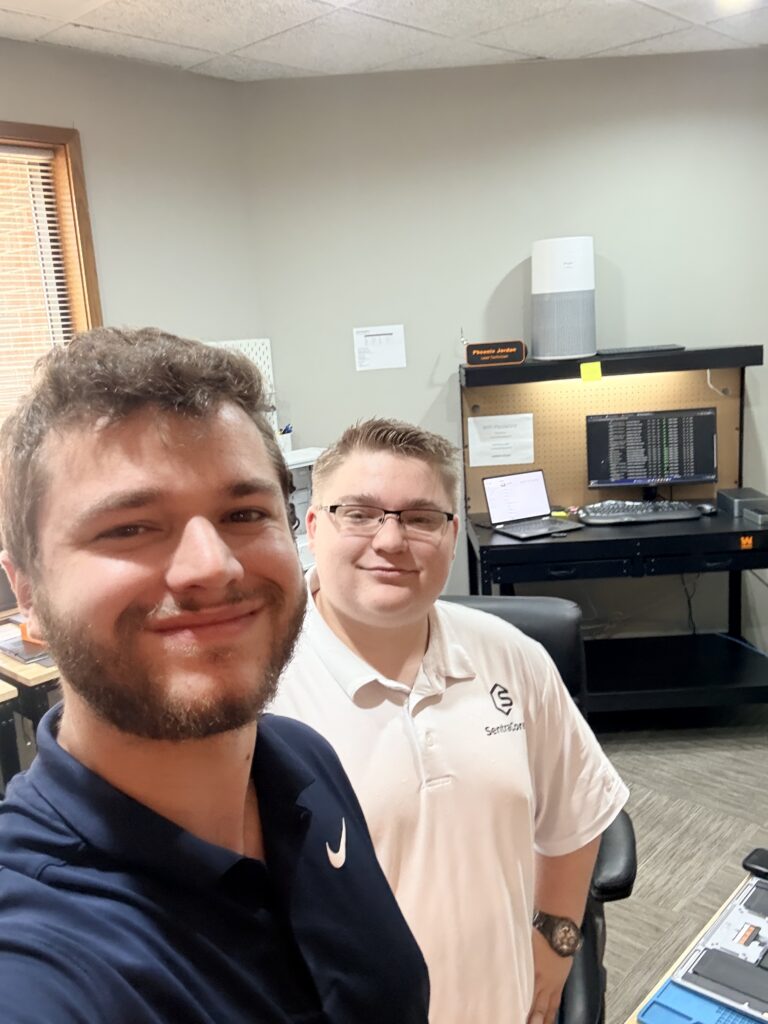
Every repair is handled in-house by Connor and Phoenix. The technician diagnosing your machine is the one who fixes it, and the one who explains what was wrong.
KC Computer Staff is the residential division of SentraCore IT. The same technicians who manage business networks during the day apply that standard to your laptop.
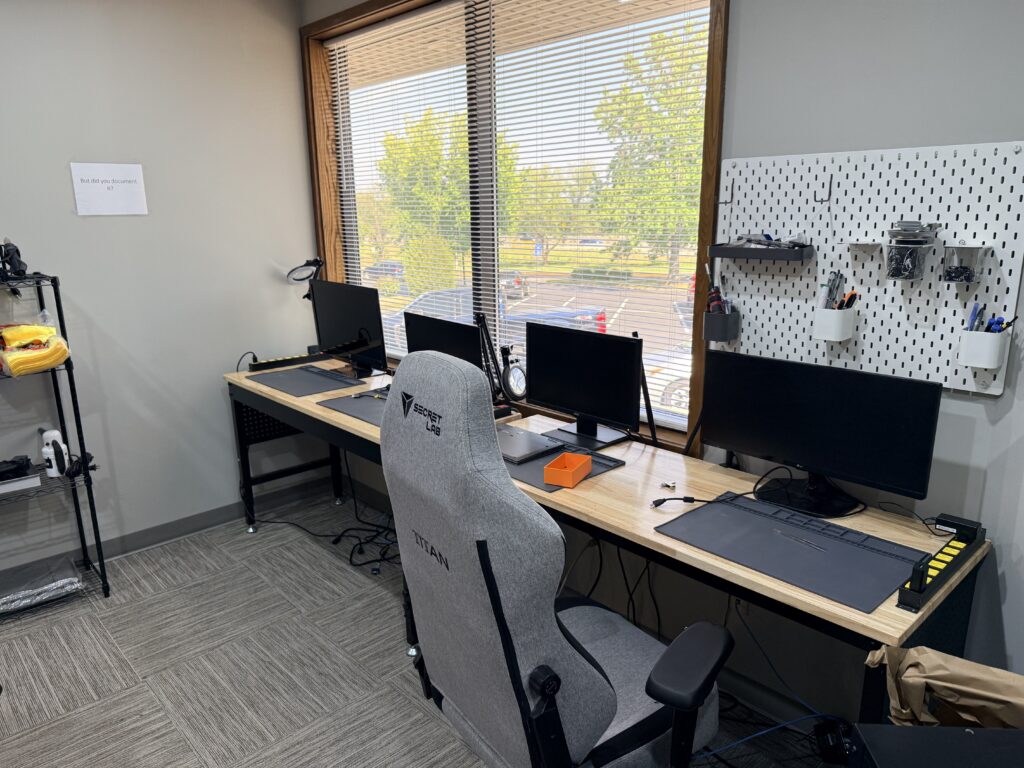
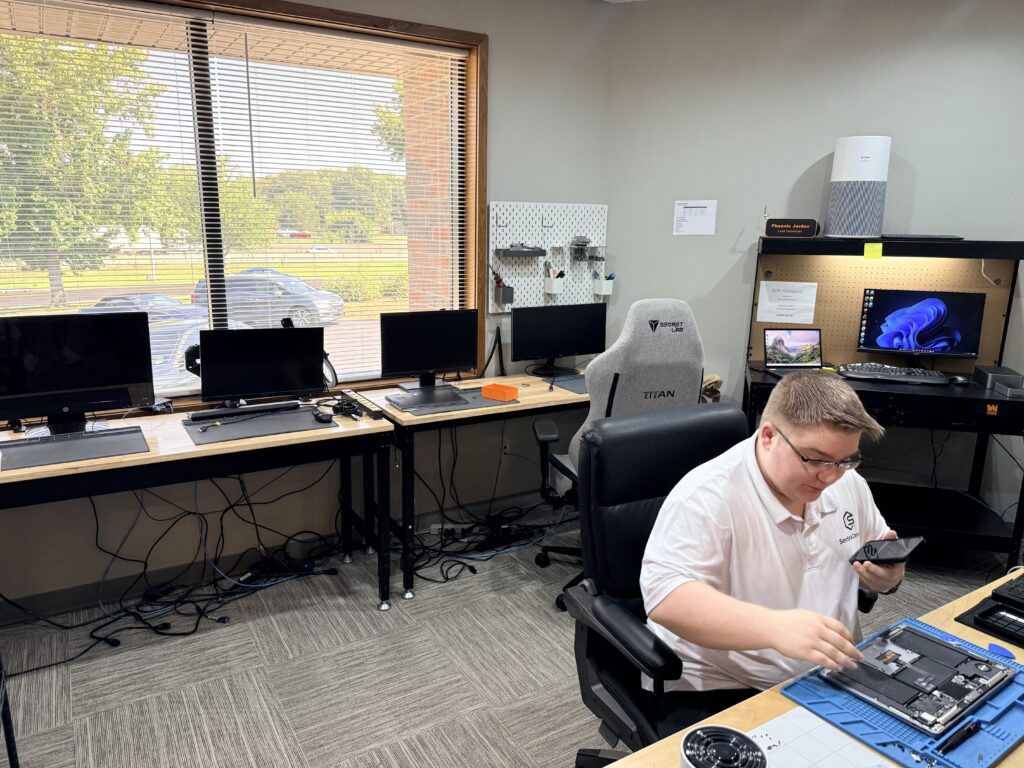
1200 NW South Outer Road, Suite 100
Blue Springs, MO 64015
Monday–Friday, 9:00 AM–5:00 PM
Drop-offs by appointment
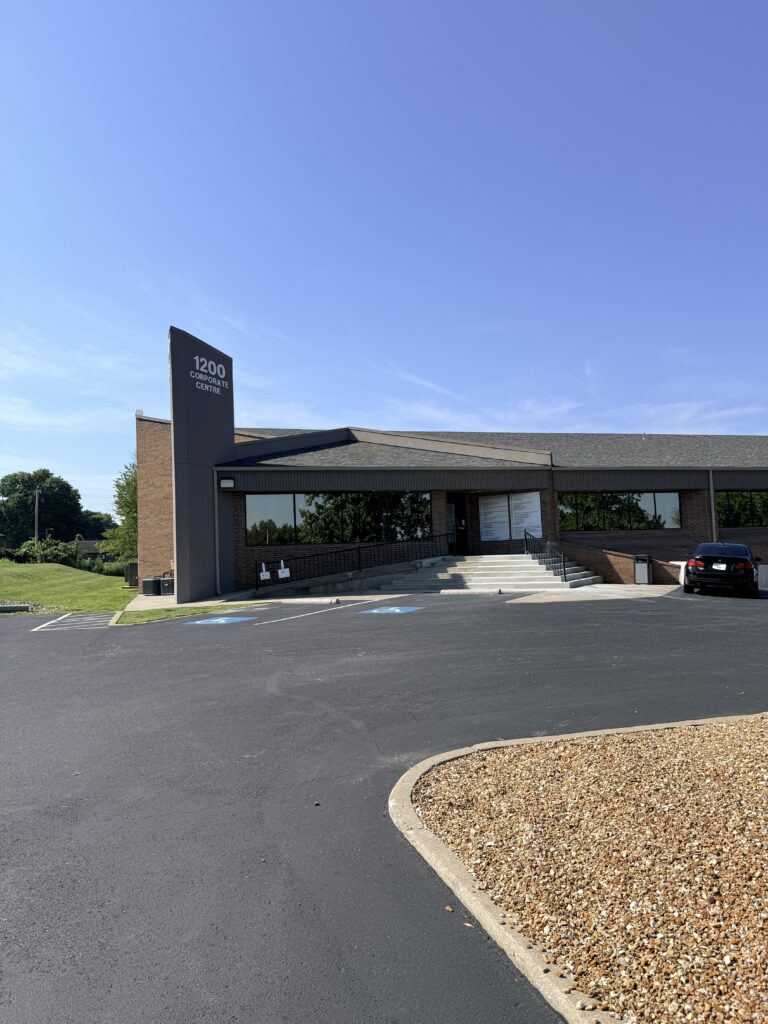
Pull into the lot at 1200 NW South Outer Road.
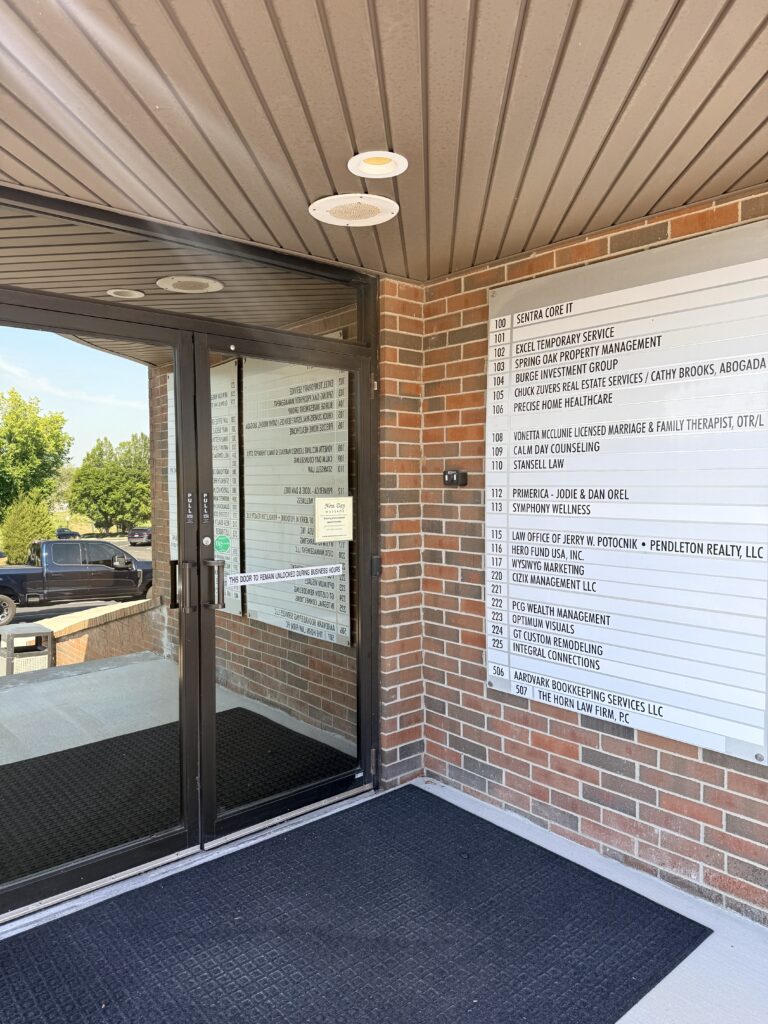
Find us on the directory.
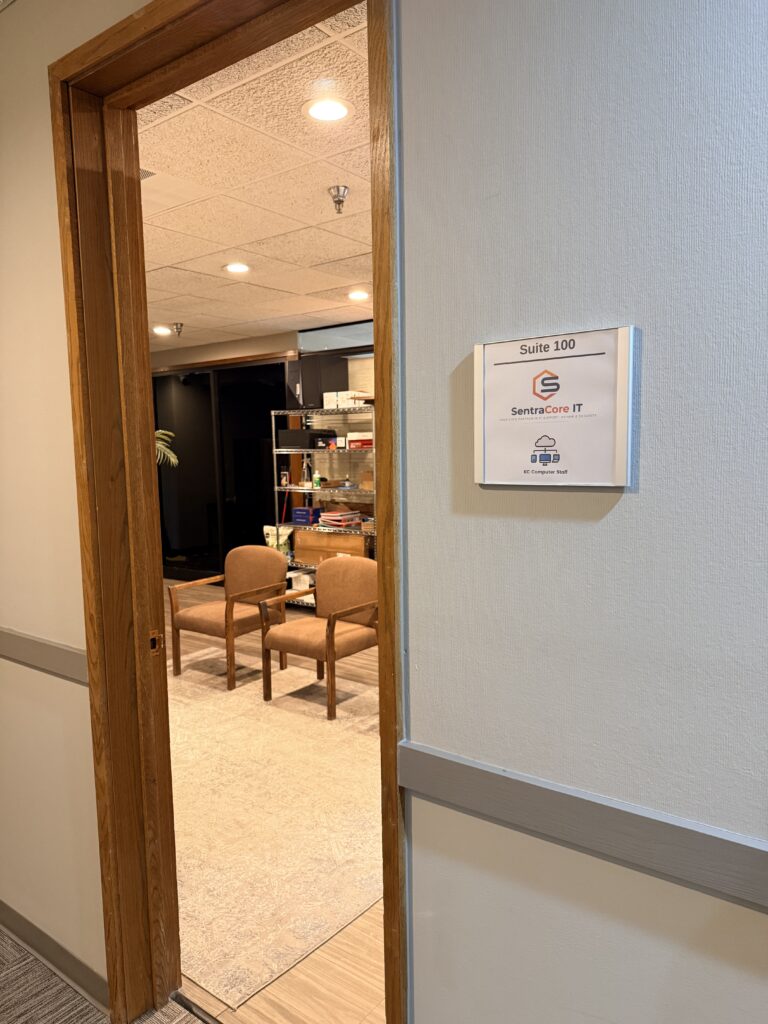
Suite 100, first door on the left.
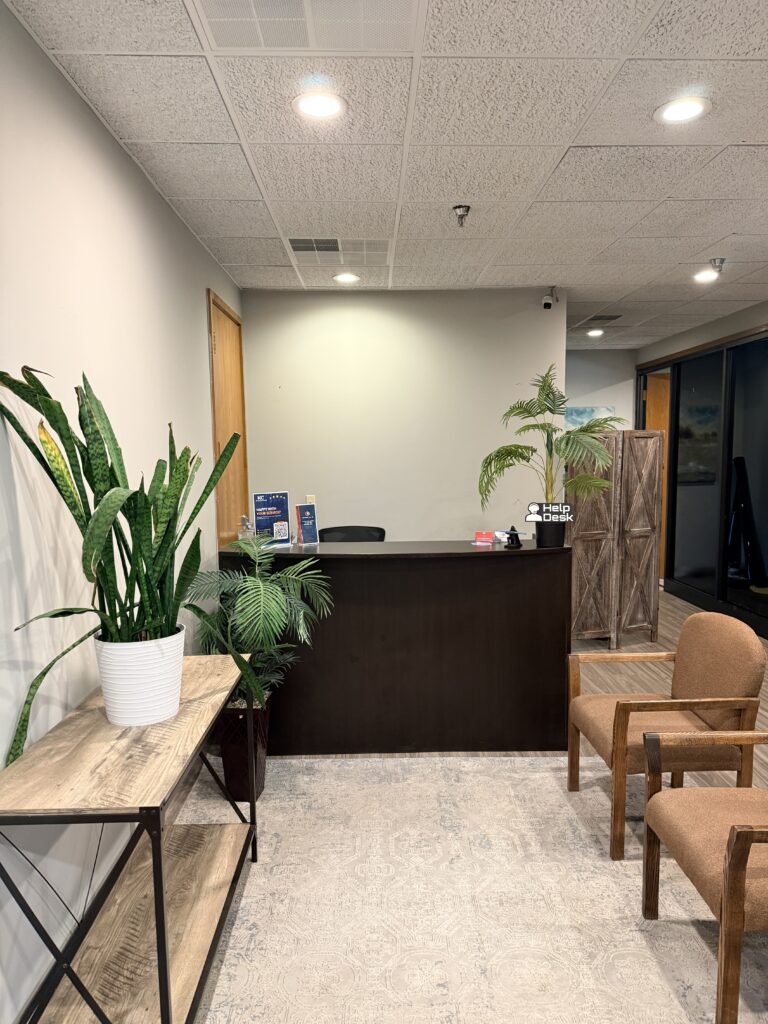
Come on in. We’re expecting you.
Usually, yes. A dead computer and a dead drive are different failures — in most cases the drive is readable even when the machine isn't, and the flat $150 applies. If the drive itself has failed, that becomes a data recovery evaluation, and we quote it in writing before touching anything.
Files and settings transfer directly. Programs are reinstalled fresh on the new machine — bringing old installations forward drags years of problems onto a brand-new computer, so we do it the right way instead. If a program needs a license key, we help you track it down.
Yes, both directions. Files, photos, email, and bookmarks all move across. We'll also point out anything that works differently on the new side, so nothing surprises you at home.
Most transfers are done within one to two business days of drop-off. Large photo and video libraries can add time — we tell you upfront if yours will.
You take it home, and your data stays on it untouched — nothing is wiped without your written approval. If you'd rather retire it, ask about a secure wipe so your files can't be recovered by whoever handles it next.
Written quote within 24 hours or the diagnostic is free. No work begins without your approval. Six-month guarantee on every repair.